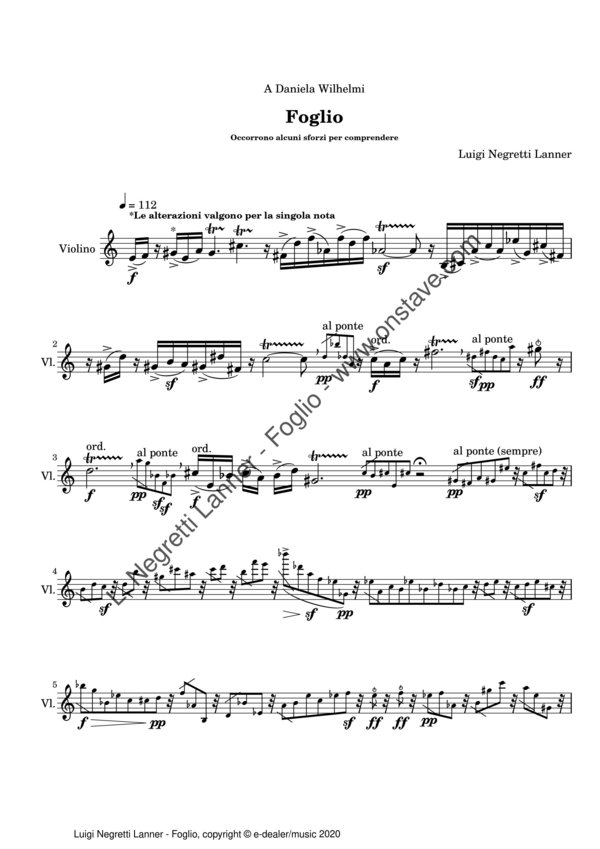
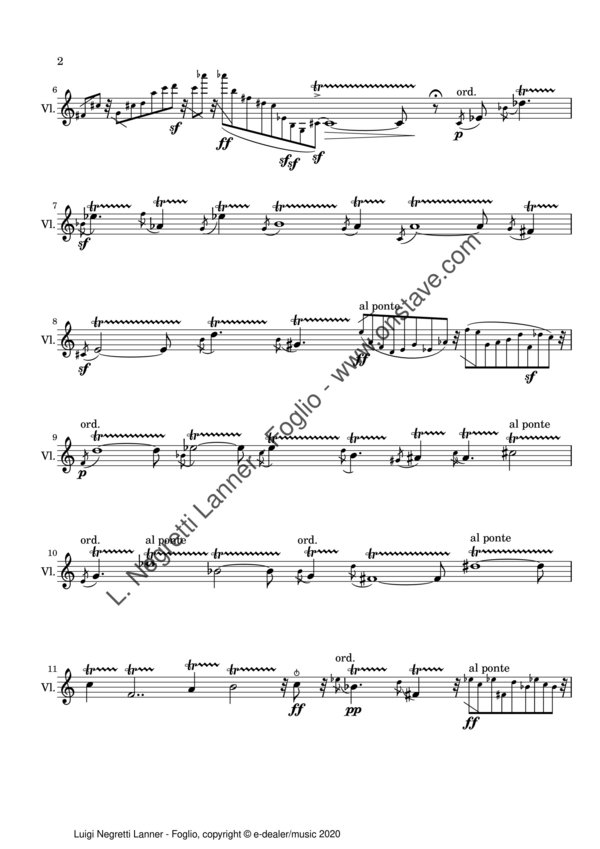
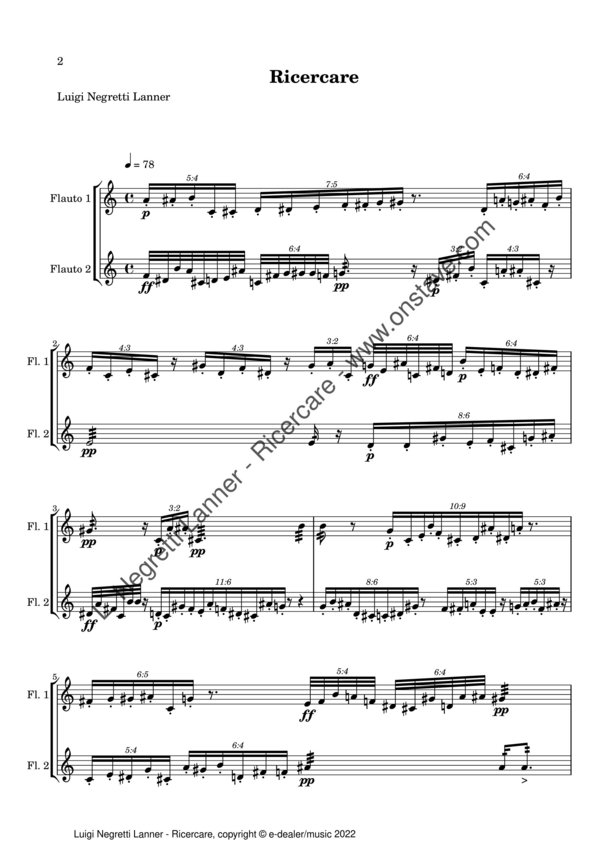
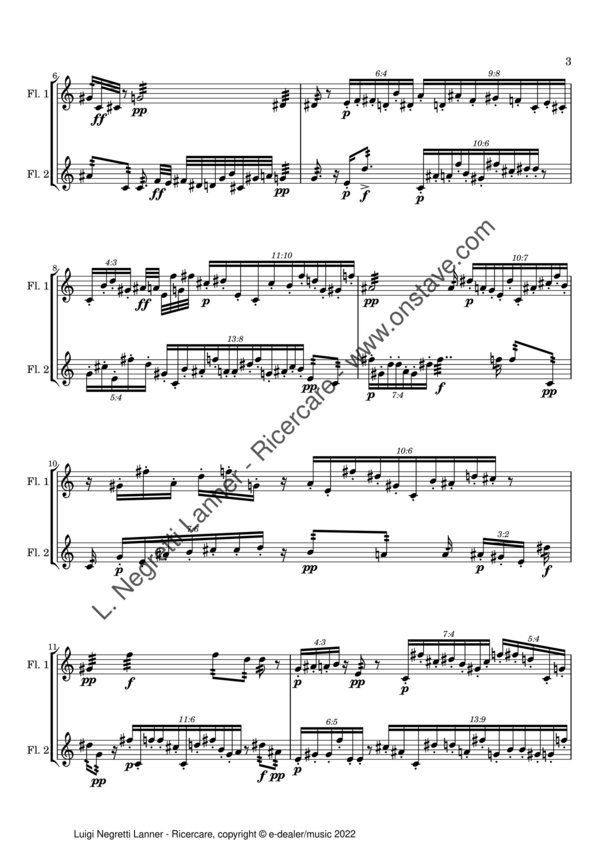
Compositore e interprete, Luigi Negretti Lanner si è diplomato al Conservatorio di S. Cecilia in Musica Elettronica, Musica da Camera e Violoncello, è autore di musica acustica ed elettronica, e di alcuni software per la composizione musicale. Allievo di David Macculi, si è perfezionato con Giacomo Manzoni (Scuola di Musica di Fiesole), Franco Donatoni (Accademia Chigiana di Siena, Centro Musica di Modena) e Chinary Ung e Harvey Sollberger (Round Top Master Classes). Ha pubblicato con la propria etichetta "Lanner Edizioni" il CD "Dal nuovo mondo", con brani su testi della poetessa Annalisa Comes, ha inoltre prodotto e pubblicato i CD "Assolo" interpretato dal compositore e clarinettista Massimo Munari, e "Opere", cd dedicato alle opere del Maestro Fausto Razzi. Come violoncellista suona principalmente come solista e camerista. Per una lista completa degli audio pubblicati, visitare il sito web: tracks.luiginegrettilanner.com
Composer and performer, graduated at the S. Cecilia Conservatorium of Rome (Italy) in Electronic Music, Cello, and Chamber Music, Luigi Negretti Lanner is author of acoustic and electronic music works, and of some software for musical composition. Pupil of David Macculi, he attended Master Classes with Giacomo Manzoni (Scuola di musica di Fiesole, (1993-1998), Franco Donatoni (Accademia Chigiana di Siena, 1996-1997, Centro Musica di Modena, 1997-1999), Chinary Ung and Harvey Sollberger (Round Top Music Festival for composers, 1998). Under his label "Lanner Edizioni", active between 2005 and 2008, he published the CDs: "Assolo", that collect some contemporary pieces for unaccompanied clarinet, 'Dal nuovo mondo", including pieces based on texts by Annalisa Comes, and "Fausto Razzi Opere", dedicated to the italian composer Fausto Razzi. As cellist, he plays principally as soloist and in chamber groups, ranging his repertoire from baroque to contemporary music. Some audio of his works can be downloaded from the website: tracks.luiginegrettilanner.com
Il concerto è passato ma puoi ancora scaricare la locandina e l'introduzione al concerto. Puoi inoltre ascoltare alcuni estratti del concerto cliccando sui seguenti links:
Franco Donatoni Lame (I)
Martin Laurnagaray de Urquiza Fragmentos en el vacio
J. S. Bach, Cello Suite I, Preludio
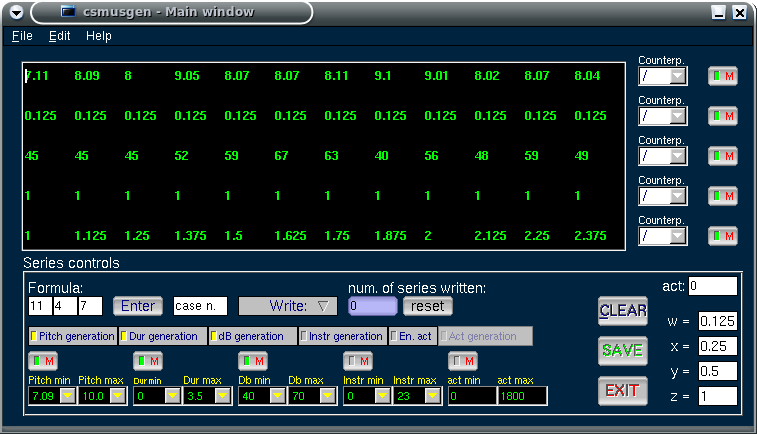
Csmusgen generates Csound scores using musical series. For further information see the Csmusgen documentation.
Lyg generates Lilypond music scores. To download it, please visit https://sourceforge.net/projects/lyg/